Show, Don't Tell
A real estate agent shows a property to 20 people. Each one asks for photos. Instead of emailing 20 times, she hands out cards with a QR code. One scan opens a gallery with every room, the backyard, and the floor plan. When she gets new photos after staging, she uploads them - everyone's QR now shows the updated gallery.
Image Gallery QR codes create a swipeable photo gallery. Upload as many images as you need, choose your layout, and update anytime.
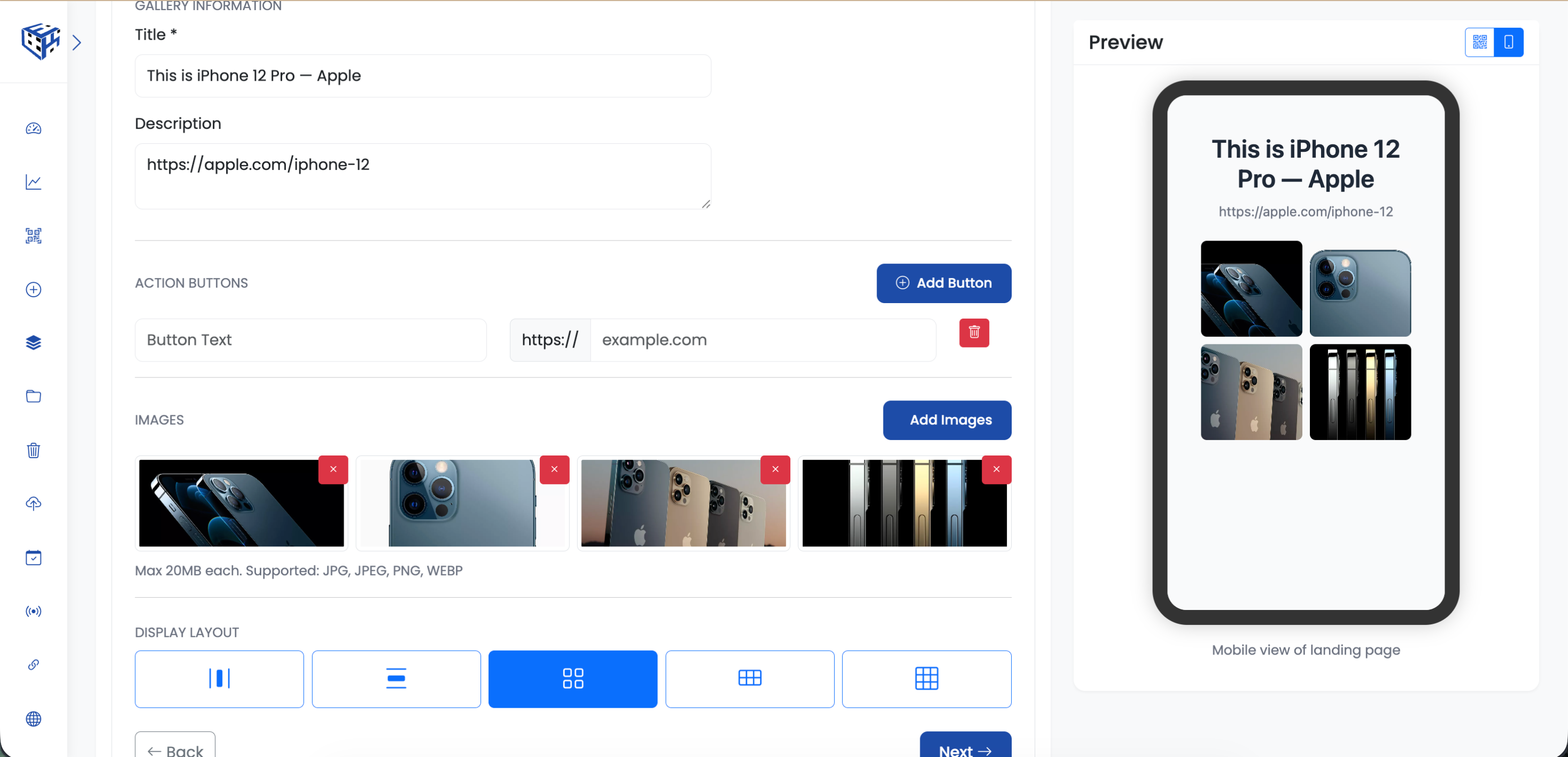
Gallery with grid layout
What Visitors See
A mobile-friendly gallery with your title and description at the top. Images display in your chosen layout - grid, list, or carousel. Tap any image to view full-screen and swipe through.
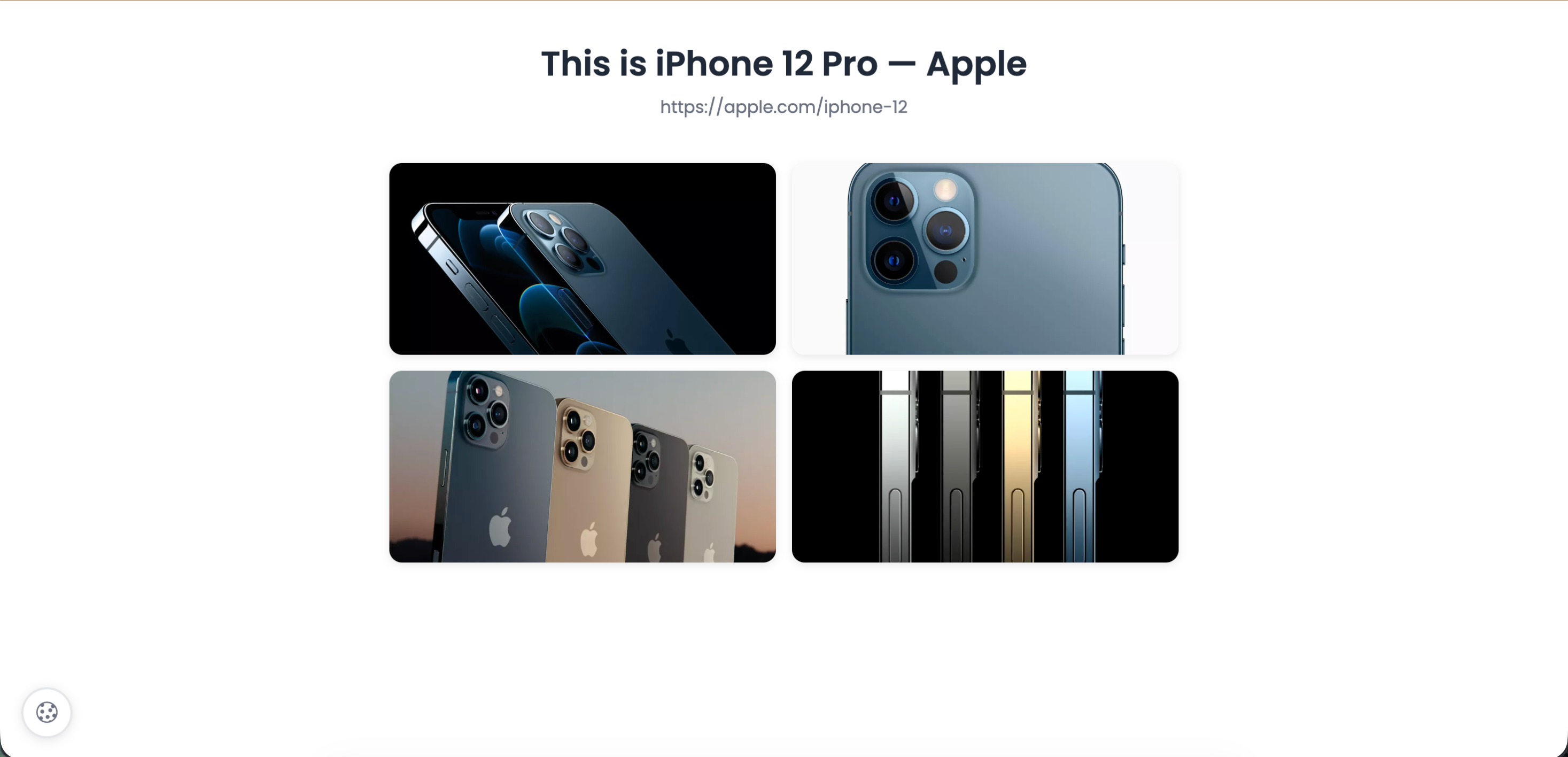
Tap to view images full-screen
Available Fields
| Field | Description | Limit |
|---|---|---|
| Title | Gallery headline | 60 characters |
| Description | Context for the images | 160 characters |
| Images | Upload multiple photos | 20MB each |
| Layout | 5 display options | See below |
| Button (optional) | Link to website or contact | Text + URL |
Layout Options
| Layout | Best For |
|---|---|
| Horizontal | Carousel - swipe through one by one |
| Vertical | Stacked list - scroll down through all |
| Grid 1 | 2-column grid - compact view |
| Grid 2 | 3-column grid - more images visible |
| Grid 3 | Masonry - varied sizes, Pinterest-style |
Real Examples
| Who | What They Show |
|---|---|
| Real estate agent | Property photos, floor plans, neighborhood |
| E-commerce seller | Product from every angle |
| Wedding photographer | Event highlights for guests |
| Artist | Portfolio of recent work |
| Contractor | Before/after renovation photos |
Tip
Use the button field to add a call-to-action. Real estate agents add 'Schedule Viewing', photographers add 'Book Me', sellers add 'Buy Now'.
Still facing difficulties?
Click here to contact our support team for assistance