All Your Links in One Place
A content creator has YouTube, Instagram, TikTok, a podcast, and an online store. They put a QR code on their business card. One scan opens a page with buttons to all five destinations. When they launch a new course next month, they just add another button - no new cards needed.
Multi-Link creates your own Linktree-style page. Add as many links as you want, reorder them anytime, and customize the look to match your brand.

A branded page with all your links in one place
What Visitors See
A mobile-friendly page with your photo or logo at the top, your name and tagline, and a list of clickable buttons. Each button links to wherever you want - website, social profile, email, phone, or any URL.
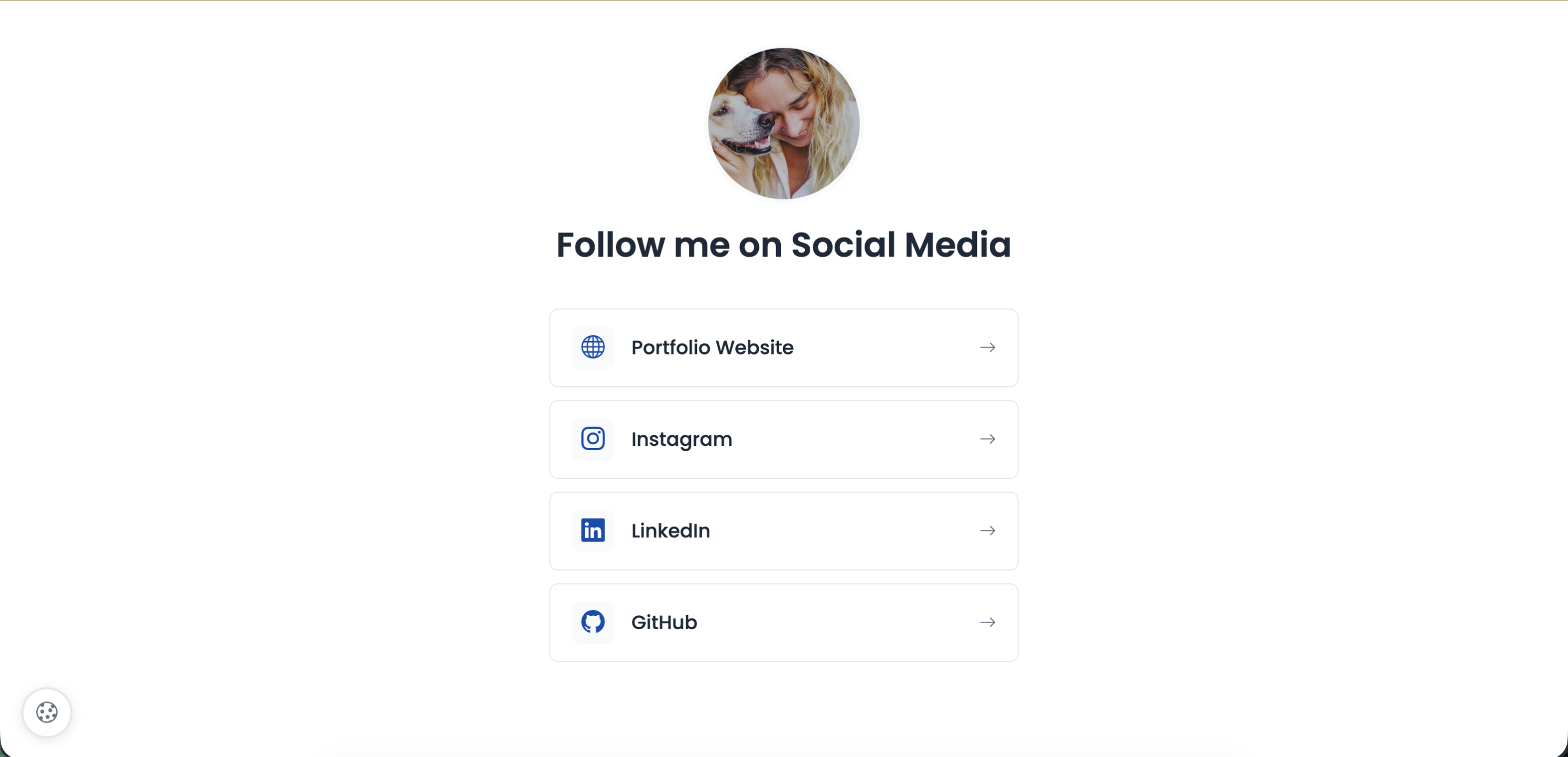
Clean, mobile-first design
Available Fields
| Field | Description | Limit |
|---|---|---|
| Title | Your name or brand name | 60 characters |
| Description | Bio, tagline, or what you do | 160 characters |
| Logo/Image | Profile photo or brand logo | 20MB |
| Links | Unlimited buttons with custom labels | Label + URL each |
Link Management
| Feature | What You Can Do |
|---|---|
| Add links | Click 'Add Link' - enter label and URL |
| Reorder links | Drag and drop to change order |
| Remove links | Click X to delete any link |
| Update anytime | Change labels or URLs without new QR |
Real Examples
| Who | Links They Add |
|---|---|
| Content creator | YouTube, Instagram, TikTok, Podcast, Shop |
| Freelancer | Portfolio, LinkedIn, Book a Call, Email Me |
| Restaurant | Menu, Reserve Table, Order Online, Google Maps |
| Event organizer | Buy Tickets, Schedule, Speakers, Venue Map |
| Author | Buy Book, Reviews, Newsletter, Speaking Inquiries |
Tip
Put your most important link at the top - visitors see it first. Reorder links anytime based on what you're promoting.
Still facing difficulties?
Click here to contact our support team for assistance